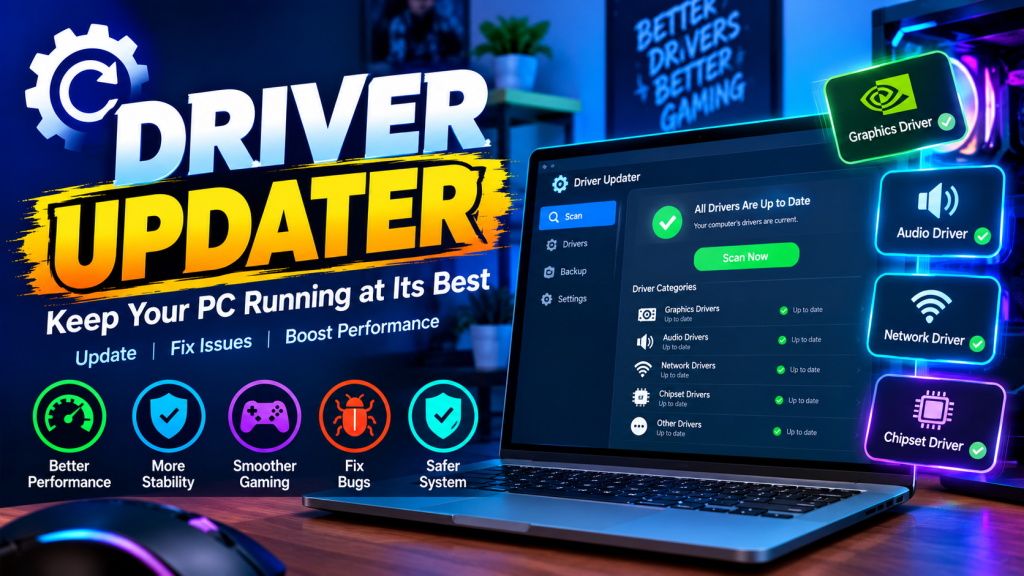

Keeping a Windows PC running smoothly requires more than having a powerful processor or graphics card. Behind every modern computer are dozens of hardware components that depend on software called drivers. Graphics cards, audio devices, network adapters, chipsets, storage controllers, and other hardware all rely on drivers to communicate properly with Windows.
When drivers become outdated, incompatible, or corrupted, users may experience problems ranging from hardware errors to application crashes and gaming-related issues. This is why regular driver management is an important part of maintaining a Windows computer.
A driver updater can make this process easier by helping users find and manage drivers from one convenient location. Instead of manually checking different hardware components and searching for updates individually, users can use a dedicated utility to simplify the process.
What Is a Driver Updater?
A driver updater is a software utility designed to help users manage the device drivers installed on a PC. Depending on the application, it can identify hardware, display installed driver information, check for available updates, and help users keep their system current.
Windows already provides several ways to manage drivers, but finding information for individual devices can sometimes be inconvenient. A dedicated tool can bring driver-related functions together in one interface.
This can be especially useful for gaming PCs, where graphics, audio, network, and chipset drivers can all play an important role in the overall experience.
Why Are Updated Drivers Important?
Drivers act as a communication layer between Windows and hardware. When manufacturers release new driver versions, those updates can address bugs, improve compatibility, or support newer applications and games.
For example, graphics card manufacturers frequently release driver updates around major game launches. These updates can contain game-specific fixes or compatibility improvements.
Network and audio drivers can also receive updates that address stability problems. Chipset and other system drivers may help Windows communicate correctly with motherboard hardware.
An update does not necessarily mean that a PC will suddenly become much faster. Instead, the primary goal should be maintaining compatibility, stability, and reliable hardware operation.
Driver Updates for Gaming PCs
Gaming is one of the areas where driver management can be particularly important.
Modern games use advanced graphics technologies and place significant demands on GPUs. A suitable graphics driver can help ensure that the operating system and game can communicate correctly with the graphics hardware.
Gamers may also depend on network drivers for online gameplay and audio drivers for voice communication and game sound.
This means that a gaming PC can contain several different driver categories that are worth monitoring.
A driver updater can provide a convenient way to review these components instead of requiring users to manually search for every device.
The Problem With Manual Driver Management
Experienced PC users may be comfortable opening Device Manager, identifying hardware models, visiting manufacturer websites, downloading packages, and installing them manually.
For less experienced users, however, this process can be confusing.
A computer may contain many different hardware components, and users may not always know which driver belongs to which device. Searching for drivers can also involve navigating multiple manufacturer websites.
A centralized utility can simplify the process by presenting relevant driver information in one place.
This does not eliminate the need for users to make careful decisions. It simply makes driver management more organized and accessible.
Using Syphon Tools for Driver Management
Syphon Tools takes a broader approach to PC maintenance by combining multiple utilities in one Windows application. The platform currently provides 16 PC tools for Windows 10 and Windows 11, covering areas such as gaming optimization, performance testing, networking, storage, and driver management.
One of these tools is Syphon Updater, which the website describes as putting all drivers in one place with an official-only approach.
This makes the updater part of a larger toolkit rather than a standalone driver application.
For someone maintaining a gaming PC, having driver management alongside tools such as PC optimization, FPS monitoring, network testing, and system benchmarks can provide a more convenient workflow.
Why an All-in-One PC Utility Can Be Useful
PC maintenance often involves several different tasks.
A user may want to optimize Windows for gaming, check FPS, test internet speed, benchmark a disk, inspect hardware performance, and manage drivers.
Using separate applications for every task can make the process unnecessarily complicated.
Syphon Tools brings these functions together in one application. Its tool menu includes a PC Optimizer, FPS Meter, Speed Test, CPU Stress Test, Memory Stress Test, Disk Benchmark, Syphon Defrag, Syphon Limiter, and Syphon Updater, among other utilities.
This approach can be convenient for users who prefer having common PC maintenance functions available from a single interface.
Graphics Drivers Deserve Special Attention
Among all PC drivers, graphics drivers are often particularly important for gamers.
Games can depend on GPU driver support for rendering technologies, compatibility, and game-specific improvements. When a game developer releases a major update, graphics hardware manufacturers may also release driver updates related to that software.
However, gamers should not assume that every new driver will automatically increase performance. Driver updates can have different purposes, including fixing bugs or improving compatibility.
The sensible approach is to keep important drivers current while paying attention to release information and system behavior.
Network and Audio Drivers Matter Too
Gaming performance is not just about graphics.
Online games depend on network connectivity, while multiplayer communication often relies on audio hardware. Problems with network or audio drivers can create frustrating issues even when FPS is perfectly stable.
For example, an outdated network driver may contribute to connectivity problems, while an audio driver issue can affect microphones, speakers, or headsets.
A centralized driver-management tool can make it easier to keep track of these different hardware categories.
Be Careful With Driver Updates
Although keeping drivers maintained is useful, users should avoid treating every available update as mandatory.
A driver update can sometimes introduce compatibility issues, particularly when hardware manufacturers provide specialized drivers for specific devices.
Laptop users should pay special attention to manufacturer-specific drivers because the laptop maker may customize certain packages for its hardware.
Before making significant driver changes, creating a restore point or backup can also be a sensible precaution.
Users should download software from trusted sources and avoid unknown websites offering modified or unofficial driver packages.
Driver Updater vs. PC Performance Optimizer
A driver updater and a PC optimizer serve different purposes.
A driver updater focuses primarily on hardware drivers. A PC optimizer may instead focus on Windows settings, background processes, startup applications, and other system configurations.
Using both types of tools can make sense because drivers are only one part of PC performance.
Syphon Tools combines these functions in one application. Its website describes the PC Optimizer as a tool for tuning Windows for gaming, while Syphon Updater focuses on drivers.
This allows users to approach PC maintenance from multiple angles without installing a separate application for every task.
A Practical Driver Maintenance Routine
A simple driver-management routine can help keep a PC organized.
First, users can review their hardware and identify important devices. Next, they can check whether relevant drivers are current and determine whether an available update addresses compatibility, stability, or another specific issue.
After installing a major driver update, users should test the applications or games they normally use.
If everything works correctly, there may be no need to make additional changes.
For gamers, checking graphics drivers periodically is particularly useful, especially before playing a newly released title.
More Than Just Driver Updates
One advantage of an all-in-one utility is that driver management does not have to happen in isolation.
After updating drivers, a user might want to check FPS, run a disk benchmark, test network performance, or review Windows gaming settings.
Syphon Tools is designed around this broader concept. Its current application provides 16 tools covering gaming optimization, diagnostics, networking, storage, recording, and other PC-related tasks.
The result is a single toolkit that can be used for different aspects of PC maintenance.
Final Thoughts
Drivers are an essential part of every Windows PC. They help the operating system communicate with graphics cards, network adapters, audio hardware, chipsets, and many other components.
A reliable driver updater can make driver management easier by bringing important information and update functions into one convenient location.
For users who want more than a standalone updater, Syphon Tools offers a broader collection of PC utilities. Its Syphon Updater provides a dedicated place for driver management, while the rest of the toolkit covers gaming optimization, FPS monitoring, network testing, hardware stress tests, disk benchmarking, and other maintenance tasks.
The key is to approach driver updates responsibly. Use trusted software, understand what is being changed, keep backups when appropriate, and focus on maintaining compatibility and stability rather than expecting every update to produce a dramatic performance increase.
For gamers and everyday Windows users alike, organized driver management can be a useful part of keeping a PC ready for work, entertainment, and demanding applications.